
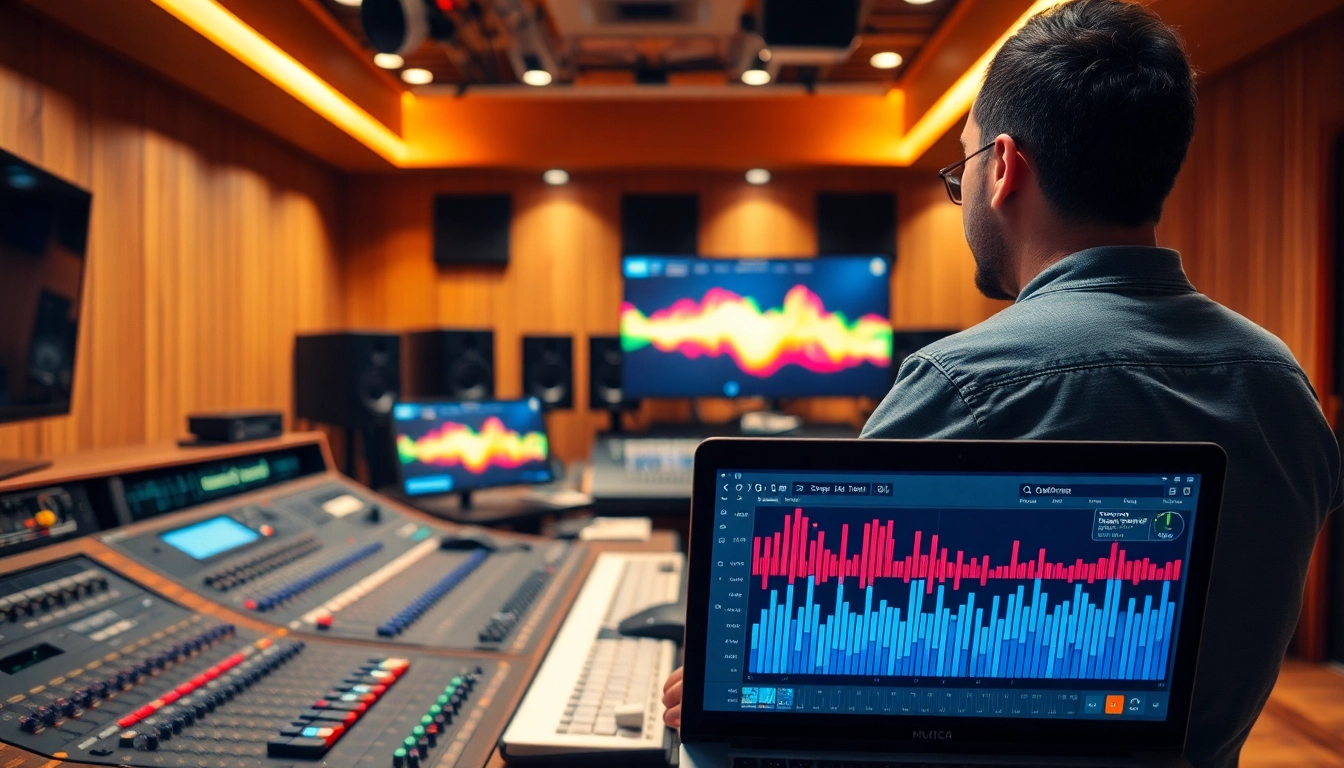
Understanding Online Audio Mastering
What Is Online Audio Mastering?
Online audio mastering is the final step in the music production process, wherein audio tracks are polished and enhanced to achieve a professional sound that is ready for distribution. This process involves equalization, compression, limiting, and other techniques to ensure that the track sounds its best across all playback systems. Mastering prepares music for formats ranging from digital streaming to physical media, ensuring clarity, intensity, and balance in the final output. Unlike traditional mastering methods that require specialized studio equipment, online audio mastering utilizes advanced software tools, allowing artists and producers to send their tracks to virtual mastering services for professional processing. By using online audio mastering, musicians can access high-quality services without the need for expensive studio time.
Benefits of Choosing Online Audio Mastering
Choosing online audio mastering offers numerous advantages that cater to the needs of modern musicians and producers:
- Cost-Effectiveness: Online mastering services often come at a fraction of the price of traditional mastering studios, making them accessible to independent artists.
- Convenience: With online platforms, you can upload your tracks anytime and from anywhere, streamlining the entire mastering process.
- Accessibility to Expertise: Many online mastering services are run by experienced engineers, providing high-quality results that might be hard to achieve on your own.
- Multiple Formats: Online services typically support various file formats, ensuring your music is mastered for all types of media consumption.
- Quick Turnaround Times: Most online mastering services can return jobs quickly, allowing for faster release schedules.
How Online Audio Mastering Works
Online audio mastering typically involves several straightforward steps:
- Track Preparation: You prepare your mix, ensuring that the levels are optimal and any effects are properly set.
- Upload Your Mix: You then upload your audio file to the mastering platform, often providing notes on what you’re looking to achieve.
- Processing: The mastering engineer (or software) processes your track using a variety of tools and techniques to balance the mix, enhance clarity, and add necessary loudness.
- Review and Revision: Most services allow you to listen to the mastered track and request adjustments if needed.
- Final Output: After approving the changes, you receive the final mastered track ready for distribution.
Best Practices for Online Audio Mastering
Essential Techniques for Clear Sound
To achieve clear and professional sound quality in your online audio mastering, consider employing the following techniques:
- Start with a Solid Mix: Before mastering, ensure your mix is well-balanced. The foundation of great mastering is a well-engineered mix.
- Use Reference Tracks: Compare your track to professionally mastered songs, which can provide a benchmark for your audio goals.
- Apply EQ Wisely: Utilize equalization to enhance frequencies without overpowering others, focusing on clarity in the midrange and presence in the highs.
- Dynamic Control: Use compression to manage dynamics, ensuring that loud parts don’t overshadow softer elements.
- Leveling: Make sure that the overall track level is consistent, avoiding sudden changes that might disrupt the listening experience.
Understanding Loudness and Dynamics
In modern music production, understanding loudness and dynamics is crucial. Loudness refers to perceived volume, and mastering often aims for a competitive loudness level without sacrificing dynamic range.
It’s important to recognize that overly compressed tracks might sound loud but can lose clarity and punch. Utilizing tools like LUFS meters can help ensure that your track meets industry standards while preserving enough dynamics for an engaging listening experience.
Your Guide to EQ and Compression
Using equalization (EQ) and compression effectively can elevate your final track significantly:
- Equalization: Focus on cutting unnecessary low frequencies that can muddy the mix, and gently boost frequencies that bring out the best aspects of your song.
- Compression: Use compression to tame dynamic peaks and add sustain to your audio. A good starting point is a ratio of 2:1 or 3:1 for mastering purposes.
- Sidechain Compression: Applying sidechain compression can help elements like vocals cut through the mix while preventing frequency buildup.
- A/B Testing: Continuously compare the processed track to the original to avoid over-processing and ensure you are improving overall sound.
Selecting an Online Audio Mastering Service
Key Features to Look For
When selecting an online audio mastering service, consider these key features:
- Quality Assurance: Look for services that offer a guarantee for quality, such as free revisions and satisfaction guarantees.
- User Interface: An intuitive, easy-to-navigate interface makes the mastering process more efficient and user-friendly.
- Feedback Options: Platforms that allow you to communicate with mastering engineers can lead to more customized results.
- Mastering Options: Check if the service provides various mastering styles (e.g., digital, analog) to suit your musical genre.
- Format Compatibility: Ensure that the service supports the audio formats you require for distribution.
Comparing Pricing Options
Pricing for online audio mastering services can vary greatly. When comparing options, consider the following:
- Value for Money: Cheaper services may cut corners. Look for a blend of cost and quality assurance.
- Package Deals: Some services offer bulk rates for multiple tracks, which can save money if you plan to master several songs.
- Additional Services: See if mastering includes additional services like mixing or stem mastering, as this may add value.
- Trial Offers: Some services provide free trials; take advantage of these to assess quality before full commitment.
User Reviews and Recommendations
Before committing to an online audio mastering service, seek out user reviews and testimonials. Reviews can provide insights into the service’s reliability, quality of output, and client support:
- Check Online Forums: Engage in music production forums where users share their experiences.
- Social Media Feedback: Platforms like Twitter and Facebook can offer unfiltered opinions from musicians who have used the service.
- Case Studies: Look for detailed case studies that demonstrate the effectiveness of the service in different genres.
Common Challenges in Online Audio Mastering
Dealing with Unbalanced Mixes
Unbalanced mixes can present a significant challenge in online audio mastering. Here are strategies to address this issue:
- Mix Review: Revisit your mix before mastering and identify any instruments or vocal elements that are overpowering.
- Automation: Implement track automation to ensure smoother transitions and better overall balance.
- Eager Listening: Use reference songs to compare and adjust sections of your mix that seem unbalanced.
Addressing Compression Artifacts
Compression artifacts can degrade audio quality, making it crucial to address them during the mastering process:
- Use Gentle Compression: Avoid aggressive compression settings that can lead to artifacts.
- Parallel Compression: Blending compressed and uncompressed signals can help retain the natural dynamics of the audio.
- Monitor Levels: Regularly check the levels to ensure they are appropriate and adjust accordingly.
Ensuring Consistency Across Platforms
One common challenge in online audio mastering is ensuring that your track sounds good on various platforms. Follow these tips:
- Multiple Format Tests: Test your track on different formats and playback systems (e.g., headphones, speakers, smartphones).
- Dynamic Range Considerations: Maintain a sufficient dynamic range that allows your music to translate well across different devices.
- Streaming Services Standards: Be aware of the loudness normalization settings used by major streaming platforms, adjusting your mastering to account for these differences.
Advanced Techniques in Online Audio Mastering
Utilizing Advanced Software Tools
Advanced audio software tools such as digital audio workstations (DAWs), specialized mastering plugins, and multispectral analyzers can significantly enhance your online audio mastering process. Tools like these allow for precise adjustments and complex processing, enabling you to achieve a professional sound with ease:
- Multiband Compression: This allows you to compress different frequency bands independently, providing more control over the dynamics of the mix.
- Limiter Plugins: To maximize loudness, use limiters effectively to prevent clipping while maintaining quality.
- Analyzer Tools: Employ frequency analyzers to visually assess frequency distribution and dynamics before finalizing your master.
Creative Effects and Enhancements
By incorporating creative effects during the mastering phase, you can give your audio a unique sound. However, moderation is key to maintaining professionalism:
- Spatial Effects: Use stereo widening techniques to create a more immersive sound experience.
- Harmonic Exciters: These can add brightness and presence to your mix but should be applied sparingly to avoid distortion.
- Reverb Enhancements: A subtle reverb can contribute to depth but should never overshadow the clarity of the mix.
Maintaining a Professional Final Output
To ensure your final output meets professional standards, keep these points in mind:
- Final Quality Check: Listen through high-quality headphones and monitors, checking for any remaining issues.
- Version Control: Save multiple versions and reference them, ensuring that you’re satisfied with the final output.
- Master for Specific Platforms: Tailor your masters based on the platforms you intend to release on, adhering to their specifications.
FAQs about Online Audio Mastering
What is the difference between mixing and mastering?
Mixing involves adjusting individual audio tracks to achieve a balanced blend, while mastering polishes the final mix, ensuring it sounds polished and consistent across formats.
Can I master my own tracks?
Yes, you can use software to master your tracks, but professional mastering services provide expertise and advanced tools for optimal results.
How long does online audio mastering take?
Most online audio mastering services offer quick turnaround times, typically ranging from a few hours to a couple of days, depending on the service and workload.
Do I need to send a final mix for mastering?
Yes, sending the best possible final mix is crucial, as mastering enhances the mix’s characteristics rather than correcting fundamental issues.
What file format should I use for mastering?
The best formats for mastering are usually WAV or AIFF at high bit depth and sample rate (e.g., 24-bit/48kHz), ensuring high-quality audio for processing.


